Create Client ID
A central element when using brokerize is the so-called clientId. It serves as a unique identifier for your application and is a prerequisite for the authentication and authorization of all API calls.
Create Client-ID yourself (Self-Service)
For the preview environment, you can easily create your clientId yourself:
- Create Account: Visit app-preview.brokerize.com
- Registration: Create an account with your email address
- Admin Area: Navigate to app-preview.brokerize.com/admin
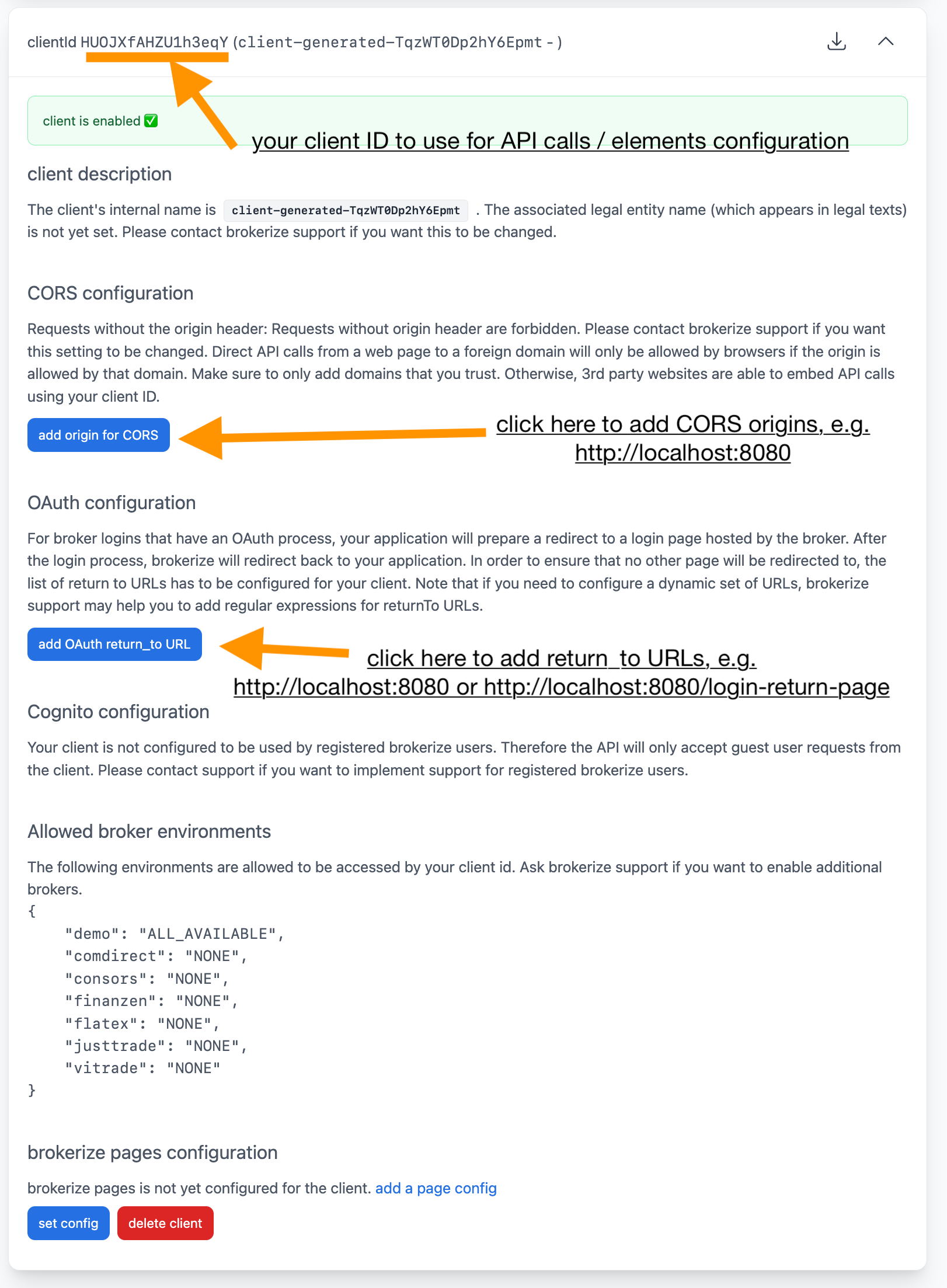
- Create Client: Click on "Create Client"

- Configuration: Fill in the client details
For the production environment, please contact our partner team.